
How to Program a GMRS Radio: Channels and Tones
How to program a GMRS radio: set channels and privacy codes, add repeater tones and offsets, and when to use the keypad versus software like CHIRP.
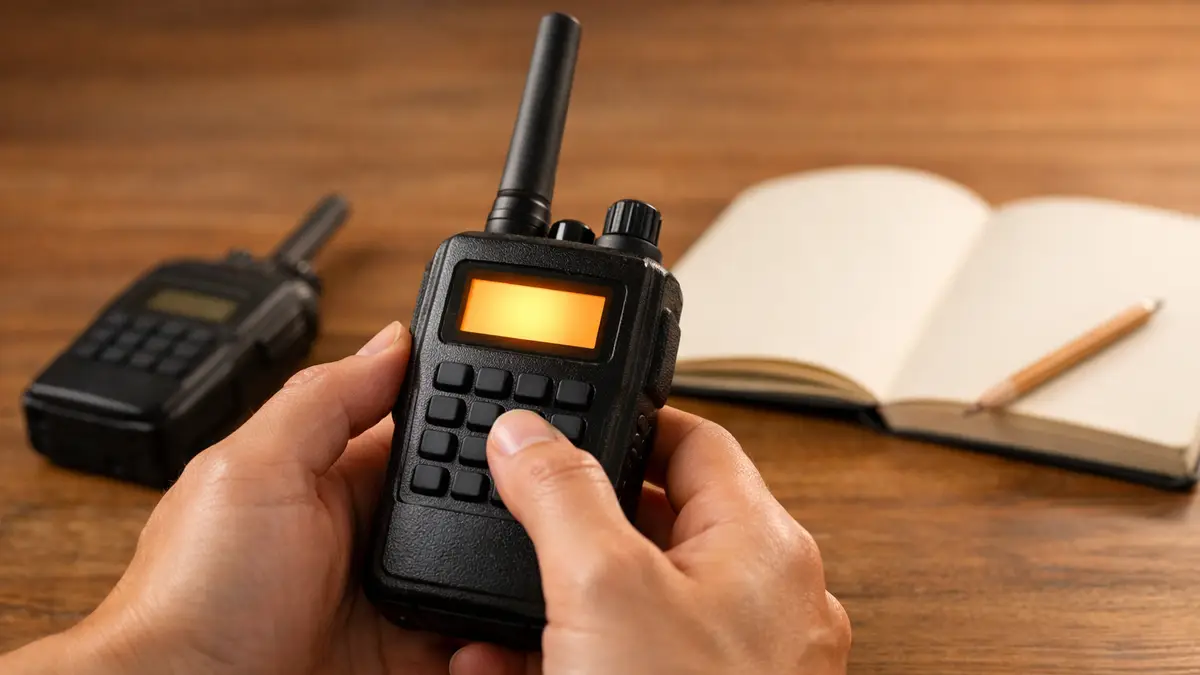
Programming a GMRS radio means telling it which channel to use, whether to apply a privacy code, and, for a repeater, what tone and offset to send. Simplex (radio to radio) use needs only a channel. A repeater needs three settings right at once. Most of this can be done from the keypad, and software only becomes worth it when you have many channels or repeaters to load.
How do you program a GMRS radio?
Set the channel first, then the privacy code, then any repeater settings. For simple radio-to-radio use, selecting a channel number is all you need, because GMRS channel frequencies are fixed by 47 CFR 95.1763 and certified radios already have them loaded.
If your group uses a privacy code, set the same code on every radio. For a repeater, you also enter a transmit tone and a plus offset, covered below. The channels and frequencies chart lists the fixed frequency for each channel.
How do you set a privacy code on a GMRS radio?
Open the code or tone menu, pick a CTCSS or DCS code, and set the same code on every radio in your group. A privacy code makes the radio stay quiet unless it hears a matching tone, so your group is not bothered by strangers on the channel.
A privacy code does not make your conversation private. Anyone without a code, or scanning all codes, still hears you. It only controls what your own speaker opens for. The GMRS privacy codes guide explains CTCSS versus DCS and how to choose a code.
How do you program a GMRS repeater?
A GMRS repeater needs three settings on your radio, and all three must be correct or it will not respond.
| Setting | Value | Why |
|---|---|---|
| Channel | A repeater channel (the 462 MHz main channels, 15 to 22) | Repeater output is on the 462 MHz channel |
| Offset | Plus 5 MHz | Your radio transmits on the paired 467 MHz input |
| Transmit tone | The CTCSS or DCS tone the owner gives you | Opens the repeater; without it the repeater ignores you |
Many GMRS radios include preset repeater channels, often labeled 15R through 22R or RPT, that apply the plus 5 MHz offset automatically. You still enter the transmit tone the repeater owner provides. The GMRS repeater guide covers finding a repeater and getting its tone and permission.
When should you use software like CHIRP?
Use software when you need to load many channels or several repeaters, or copy a setup across radios. Free software like CHIRP, a USB programming cable and a computer let you type everything into a table and write it to the radio in one pass, which is far faster than keypad entry for a long list.
For one or two channels, the keypad is quicker. For a whole trip’s worth of repeaters, or to clone one radio’s setup onto others, software wins. Our CHIRP programming guide walks through the cable, the driver and building a channel file. Note that CHIRP support varies by radio model.
Why will my GMRS radio not reach the repeater?
The usual causes are a wrong or missing transmit tone, no offset, or simply being out of range. Work through them in order:
- Transmit tone. Confirm the exact CTCSS or DCS input tone with the repeater owner. A tone that is close but wrong will not open it.
- Offset. Make sure the radio is set to transmit plus 5 MHz up, or that you selected a preset repeater channel that does this.
- Range and line of sight. A repeater on a distant hill may hear you only from certain spots. Try higher, more open ground.
- Certified radio. Use an FCC-certified GMRS radio; some imported radios will not key a repeater correctly even when programmed.
Do GMRS radios come preprogrammed?
Yes. Certified GMRS radios ship with all 30 channel frequencies already loaded, because those frequencies are fixed by FCC rules and cannot be changed. You are not entering frequencies; you are choosing channels and adding codes and tones on top of them.
That is why basic use needs no programming at all: pick a channel and talk. Programming only adds privacy codes, repeater tones and conveniences like names and scan lists. See the GMRS radio guide for how the fixed channels work.
How do you set up scan and dual watch?
Scan and dual watch let one radio monitor more than one channel. Turn on scan to have the radio sweep your programmed channels and stop on activity, which helps you find a quiet channel or catch a call on a secondary one.
Dual watch (or dual monitor) holds two specific channels, for example your group’s simplex channel and a repeater. Enable it from the menu and pick the two channels. Both features are per-radio settings, not something that needs software.
Can you name channels on a GMRS radio?
Some GMRS radios with a larger display let you assign text names to channels, such as TRAIL or CAMP, instead of bare numbers. This almost always requires software like CHIRP, because typing names on a keypad is impractical.
Named channels make a multi-channel setup far easier to use under pressure. If your radio supports it, set names when you program the radio at home. Basic radios show only channel numbers, which is fine for a short list.
Keypad or software: which steps need which?
Use this split to decide when to reach for a computer.
| Task | Keypad | Software (CHIRP) |
|---|---|---|
| Change channel | Yes | Not needed |
| Set a privacy code | Yes | Yes |
| Add one repeater | Yes | Yes |
| Load many repeaters | Slow | Fast |
| Name channels | Rarely | Yes |
| Clone one radio to others | No | Yes |
For one-off changes the keypad wins; for a full channel plan or multiple radios, software is worth the cable. The CHIRP guide covers the software path.
How do you copy a setup to several radios?
Use software to clone. Program one radio fully in CHIRP, save the file, then write that same file to each other radio of the same model with the USB cable. Every radio ends up with identical channels, codes and repeaters.
This is the fastest way to set up a family or group, and it avoids the mismatched settings that stop radios from hearing each other. Keep the saved file as a backup so you can restore a radio later.
What should you program before a trip?
Set up the radios at home, not at the trailhead. Load your group’s main simplex channel and privacy code, add any repeaters you expect to use with their tones and offsets, and label them clearly. Do a radio check on each channel before you leave coverage.
For the fixed channel list, see the channels and frequencies chart. For the bigger picture of how GMRS works and what gear suits your use, start with the GMRS radio guide.
Frequently asked questions
Quick answers to what readers ask us most
How do I program a GMRS repeater into my radio?
Select a repeater channel (15 to 22 range on repeater-capable radios), set the transmit offset to plus 5 MHz, and enter the transmit tone (CTCSS or DCS) the repeater owner gave you. Many GMRS radios have preset RPT channels that apply the offset automatically.
Do I need a computer to program a GMRS radio?
No for basic use. Channels and privacy codes can be set from the keypad on most handhelds. A computer with free software like CHIRP and a USB cable saves time when you add many channels or several repeaters. See our CHIRP programming guide.
What is the difference between a privacy code and a repeater tone?
A privacy code (CTCSS or DCS) mutes your speaker unless a matching tone is received; it does not make you private. A repeater transmit tone is required to open the repeater. They use the same tone system but serve different purposes.
Why will my radio not key up the repeater?
Usually a missing or wrong transmit tone, no plus 5 MHz offset, or the radio being out of range of the repeater. Confirm the input tone with the owner, check the offset, and make sure you are using a repeater-capable channel.